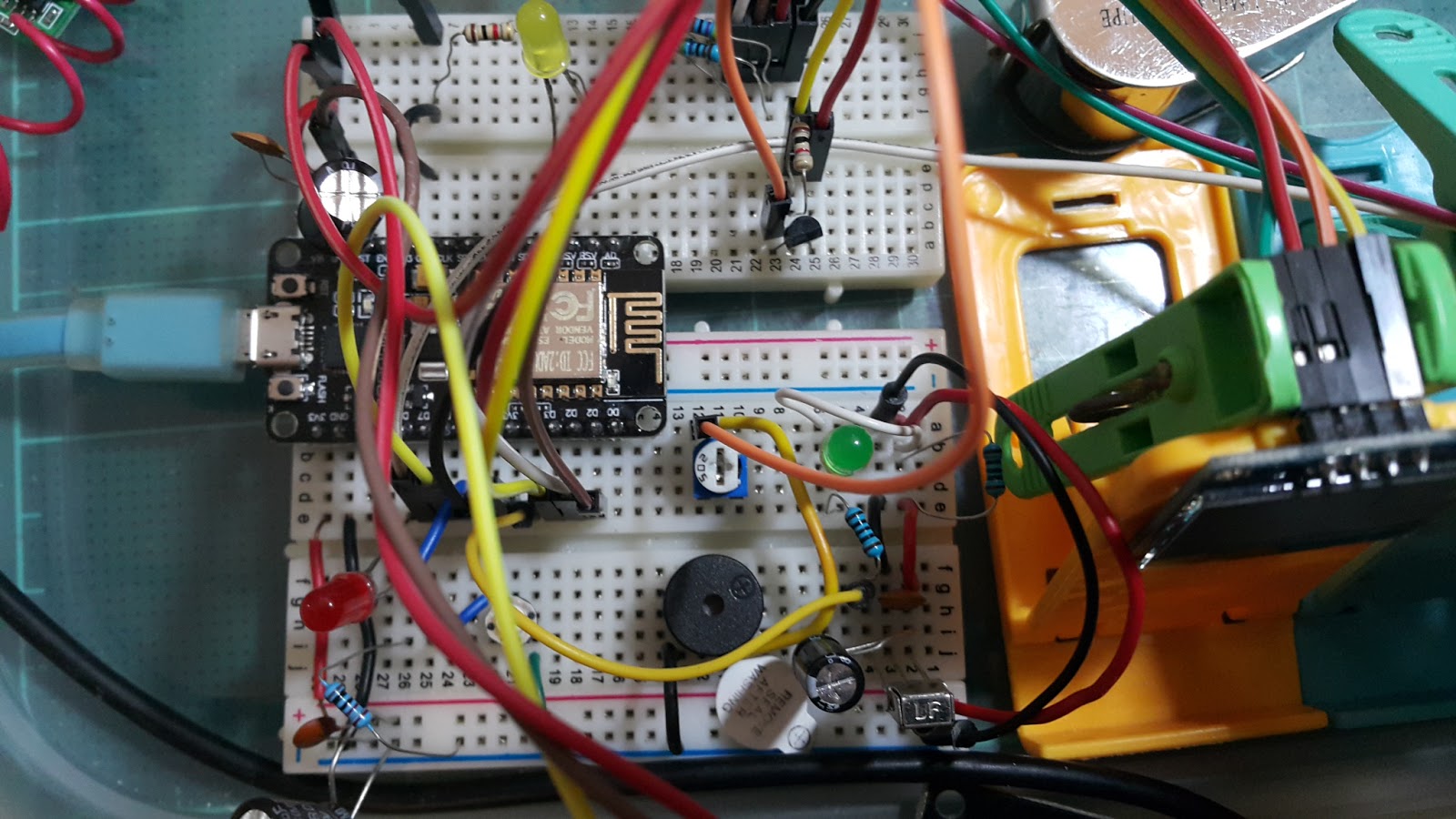
Wiring diagrams for PCF8574 and 4x3 keypad can be found under
 *  examples directory. Library runs correctly without cols pull-up
 *  resistors but it's better to use it
R1, R2 and R3 are 10K


Note: Add a 220Ohm resistor in series with each column to avoid possible shorts between a HIGH and a LOW line when pushing multiple keys at a time.
///
Your problem should be solved if you look up this solution at https://sites.google.com/site/kingauswebpage/my-projects/cannot-find-wconstants-h
 "When compile an Arduino Library, it fails to compile with the message:
error: WConstants.h: No such file or directory
The solution is to delete the line
#include "WConstants.h"
and then in the .h file, add the following:
#if ARDUINO >= 100
#include "Arduino.h"
#else
#include "WProgram.h"
#endif
/////
I just find the solution.
First, Wire has some new wording...
Wire.send is now Wire.write
Wire.receive is now Wire.read
You must change it on the .cpp file.
Then for the millis error you just need to:
#include <Arduino.h> in the header of the .cpp file again.
And as I'm working with the Arduino UNO the SDA and SCL port are different in the examples here it says:
SCL to port A0
SDA to port A1
And the correct ones (for the UNO) are:
SCL 5
SDA 4
I hope you find this info useful!
Saludos from Chile!
///////////
String IPAddress2String(IPAddress address)
{
return String(address[0]) + "." +
String(address[1]) + "." +
String(address[2]) + "." +
String(address[3]);
}
String ipAddress = IPAddress2String(Ethernet.localIP());
//////
void ACROBOTIC_SSD1306::putString(const char *string)
{
unsigned char i=0;
while(string[i])
{
putChar(string[i]);
i++;
}
}
void ACROBOTIC_SSD1306::putString(String string)
{
char char_array[string.length()+1];
string.toCharArray(char_array, sizeof(char_array));
putString(char_array);
}
///
void ACROBOTIC_SSD1306::sendData(unsigned char Data)
{
Wire.beginTransmission(SSD1306_Address); // begin I2C transmission
Wire.write(SSD1306_Data_Mode); // data mode
Wire.write(Data);
Wire.endTransmission();
/////
void printDigits(int digits) {
Serial.print(":");
if (digits < 10)
Serial.print('0');
Serial.print(digits);
}